
Collection · 10 looks · wedding dress
The Wedding Edit
Ten bridal gowns to color: ball gowns, mermaid silhouettes, draped silk and one tulle cloud in blush. Satin, brocade, lace and pearls are all drawn in.
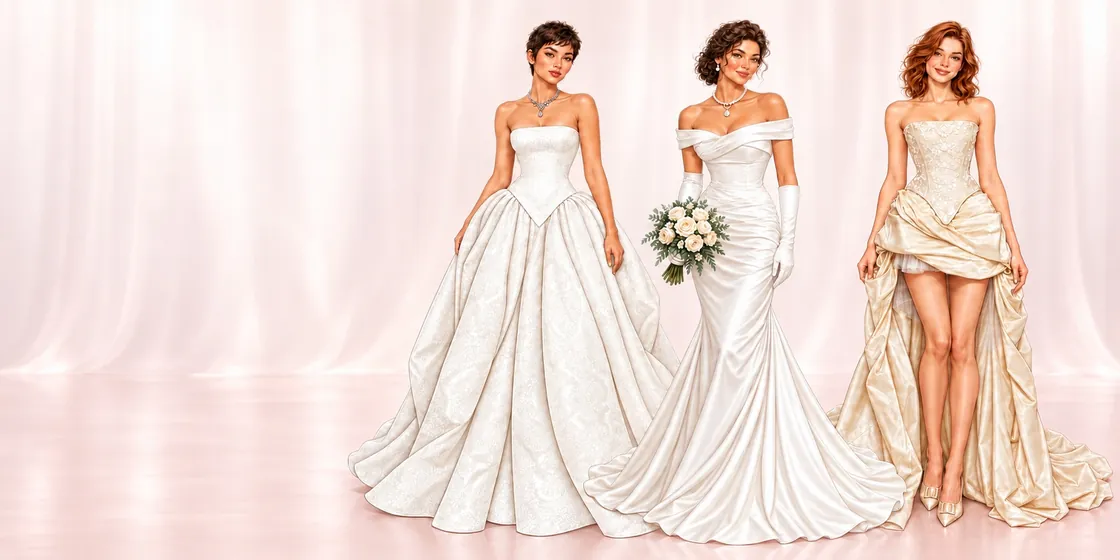
The Wedding Edit is the app's first bridal collection. Every page is a full-length wedding dress, drawn with the structure a real gown has: a corseted bodice with a sweetheart neckline over a lace-hemmed ball skirt, a brocade gown with a basque waist, bias-draped silk, a mermaid with long gloves and a bouquet, a column with sheer winged overlays, a champagne gown with a dramatic high-low overskirt.
They come illustrated in ivory and champagne, but the pages are line art, so the color is yours. Try them in blush, champagne, powder blue or even black — a coloring page is the cheapest way to see a wedding dress in a color other than white.
Color The Wedding Edit in the app
All 10 looks, in color
Each look opens in the app as blank line art. These are the finished versions — one way to color them, not the only one.
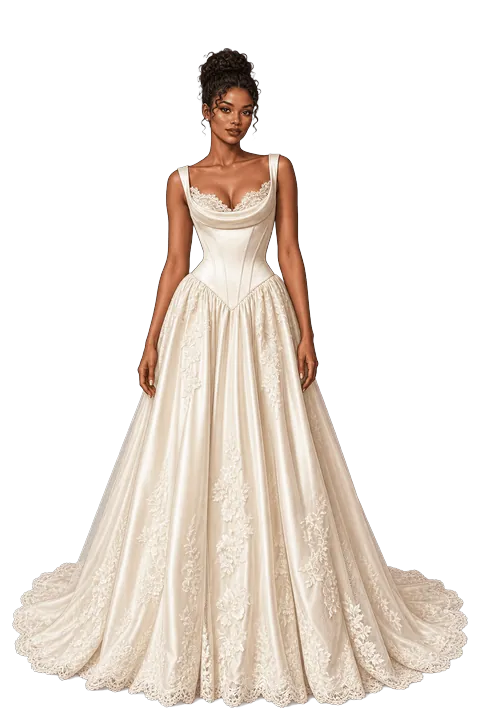
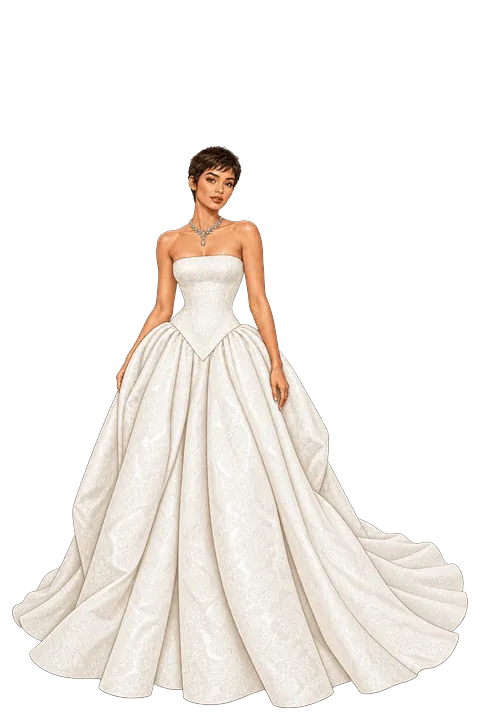
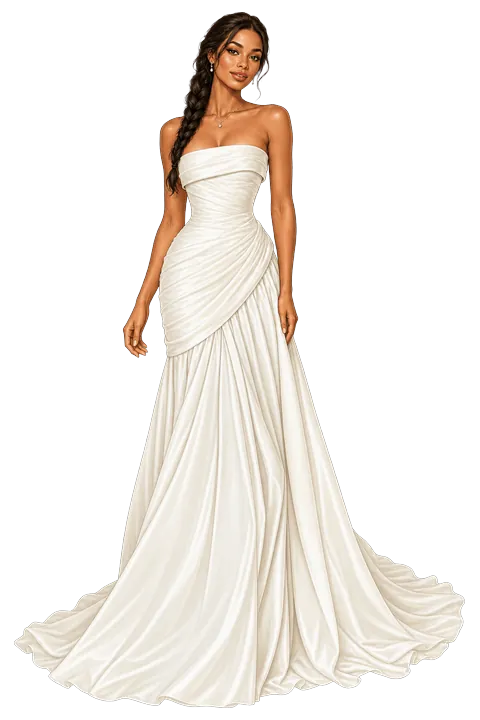
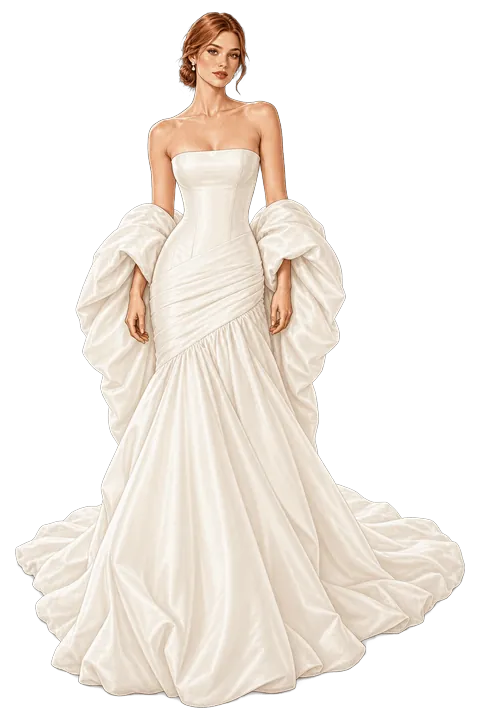
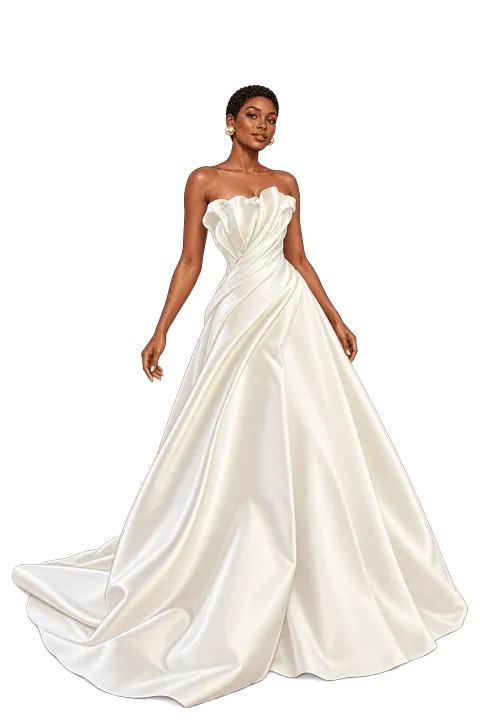
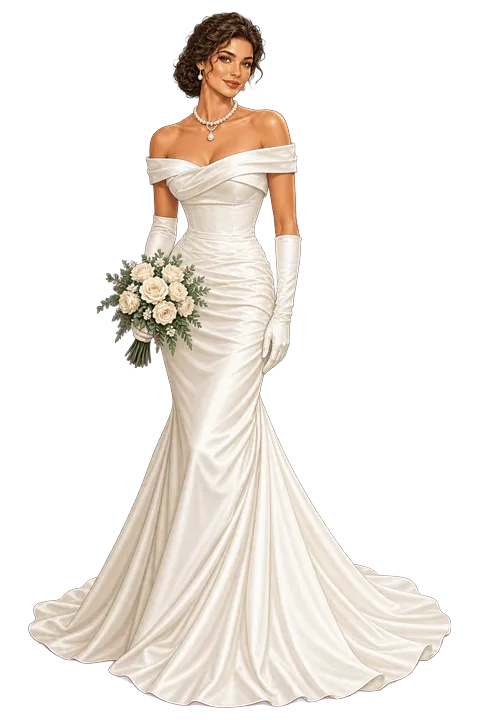
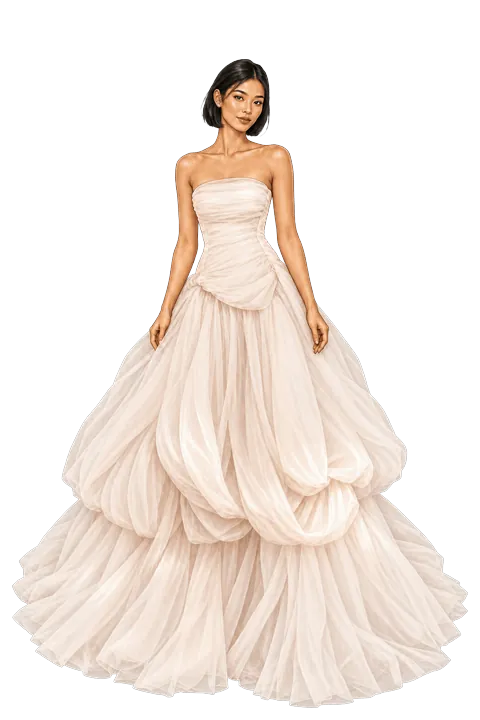
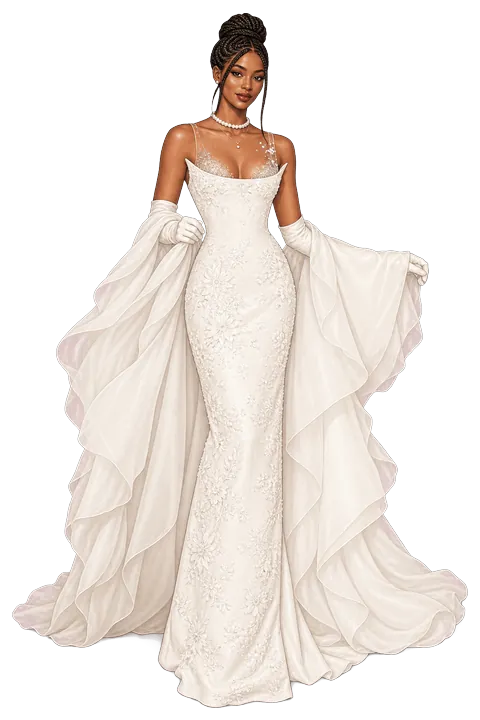
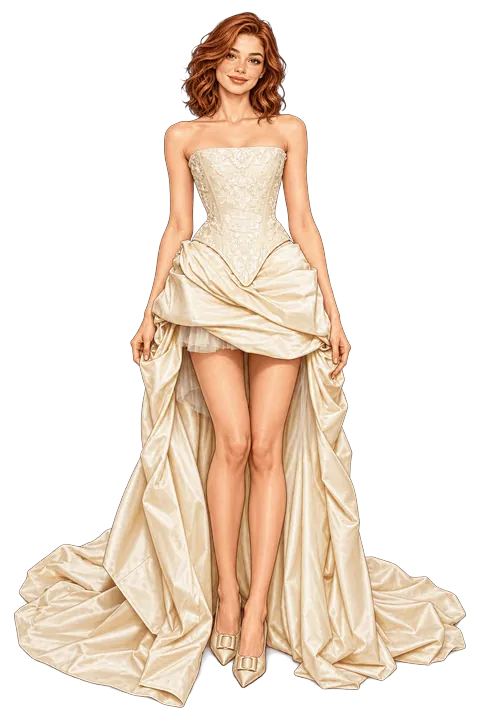
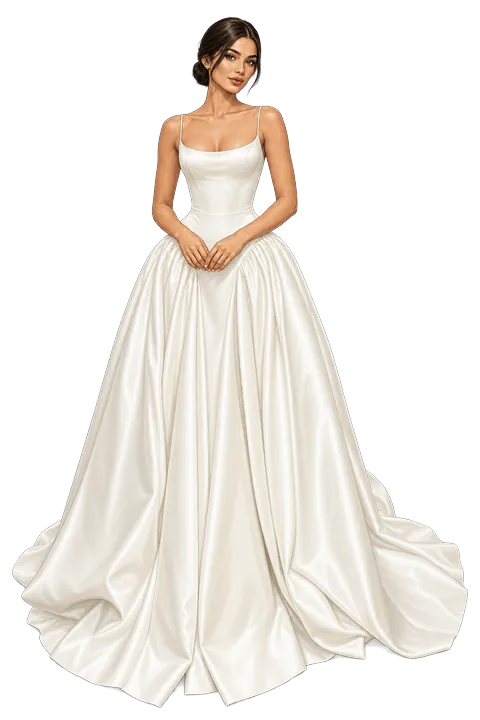
Ivory is not one color
White, ivory, cream and champagne look almost identical in a palette and completely different next to each other. Color the same gown twice — once in white, once in champagne — then change only the fabric: satin, silk, lace, brocade. Most of a wedding dress's character is its fabric, not its shade.
Palette ideas
Three starting points, all built from colors in the app.
Classic ivory
- Ivory
- Cream
- Champagne
- Gold
Ivory satin, cream lace and gold for the jewellery.
Blush bride
- Blush
- White
- Silver
- Champagne
Soft pink tulle with silver details, as in Blush Cloud.
Something different
- Powder
- Plum
- Silver
- Ivory
A colored gown: powder blue or deep plum instead of white.
How you color it in the app
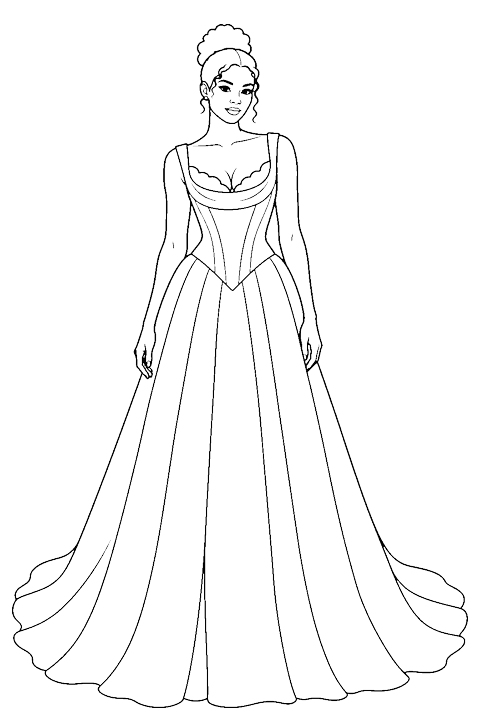
- Open a look. It arrives as clean line art, already divided into zones for each garment and accessory.
- Tap to fill. Pick one of the app's colors and tap a zone; the fill stops at the garment's own edges.
- Add a fabric or a pattern. Choose from 41 fabric textures and 39 patterns and apply them to any filled zone.
- Draw if you want to. A manual drawing tool lets you add shading by hand, with a finger or with Apple Pencil on iPad.
- Save it. The finished outfit goes to your Lookbook, and you can export it to share.
Quick facts
- Collection
- The Wedding Edit
- Looks
- 10: Ivory Heirloom, Brocade Bloom, Silk Sweep, Cloud Wrap, Petal Satin, Pearl Promise, Blush Cloud, Lace & Wings, Champagne Reveal, Satin Vow
- App
- Color the Look — fashion coloring book for iPhone and iPad (iOS 17 or later)
- Access
- All 10 looks open with Premium; the app's free starter looks are in other collections. Premium is available as a monthly or yearly subscription, or as a one-time Lifetime purchase; prices are shown in the app before you buy.
